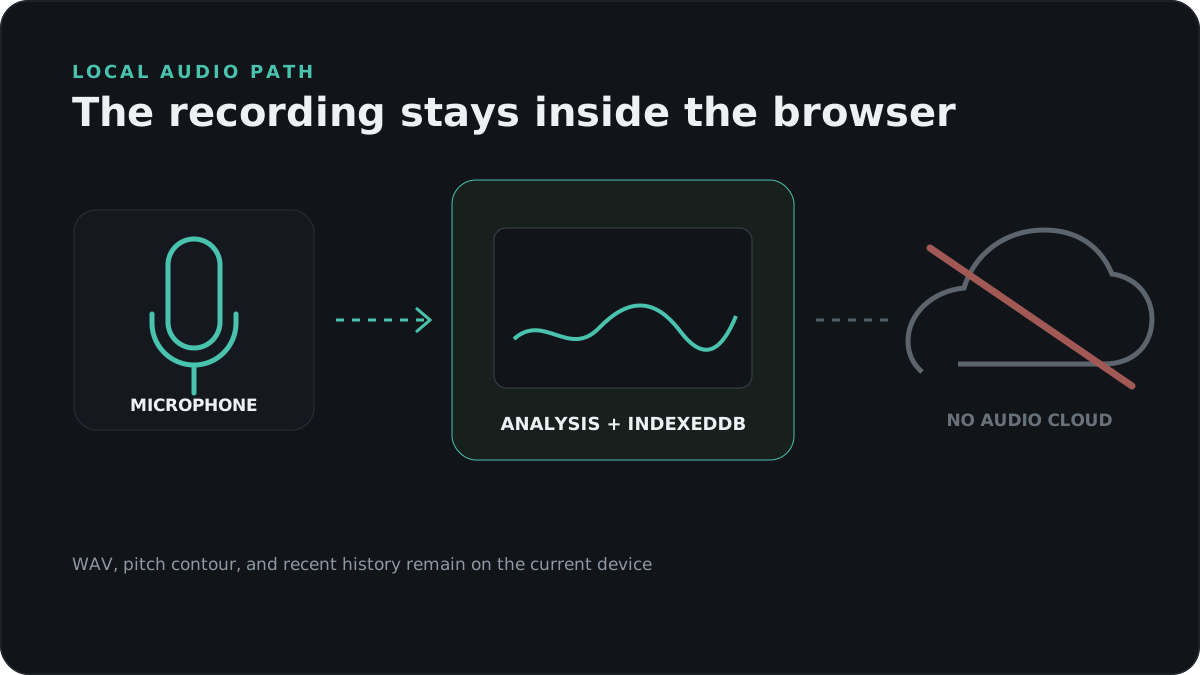
Audio and analysis data
VoiceScope does not upload microphone audio, WAV files, pitch contours, or history to a VoiceScope server. Recent recordings are stored in the browser’s IndexedDB database on the current browser profile. Clearing site data or using another browser removes or separates that history.
Privacy-aware page analytics
The site loads the third-party GoatCounter script from gc.zgo.at. Its default request can include the canonical page path, page title, referrer, browser and operating-system information, language, and screen width. GoatCounter derives a country from the network address. VoiceScope does not intentionally pass microphone audio, pitch results, WAV files, or recording history.
According to GoatCounter’s hosted-service privacy documentation, these fields are normally stored as separate aggregates. The service uses site, IP address, and User-Agent transiently in memory for session counting, but says it does not store the IP address or full User-Agent in its database. GoatCounter offers an optional individual-pageview setting, documented as disabled by default. Hosted data is processed by GoatCounter.com and stored on Hetzner servers in Finland and Germany.
Because the analytics script is third-party executable code, privacy-sensitive users can block it with a content blocker without affecting recording or analysis.
Permissions
Microphone access starts only after the recording action and is controlled by the browser. The active media track is stopped when recording ends or the page closes. No account, name, email address, or cloud sync is required.
Export and deletion
WAV and JSON exports are created locally and downloaded by the browser. The Clear action deletes VoiceScope recording history from the current browser database. Browser-level site data can also be removed through browser settings.